Blog, Holga, Nine through Plastic

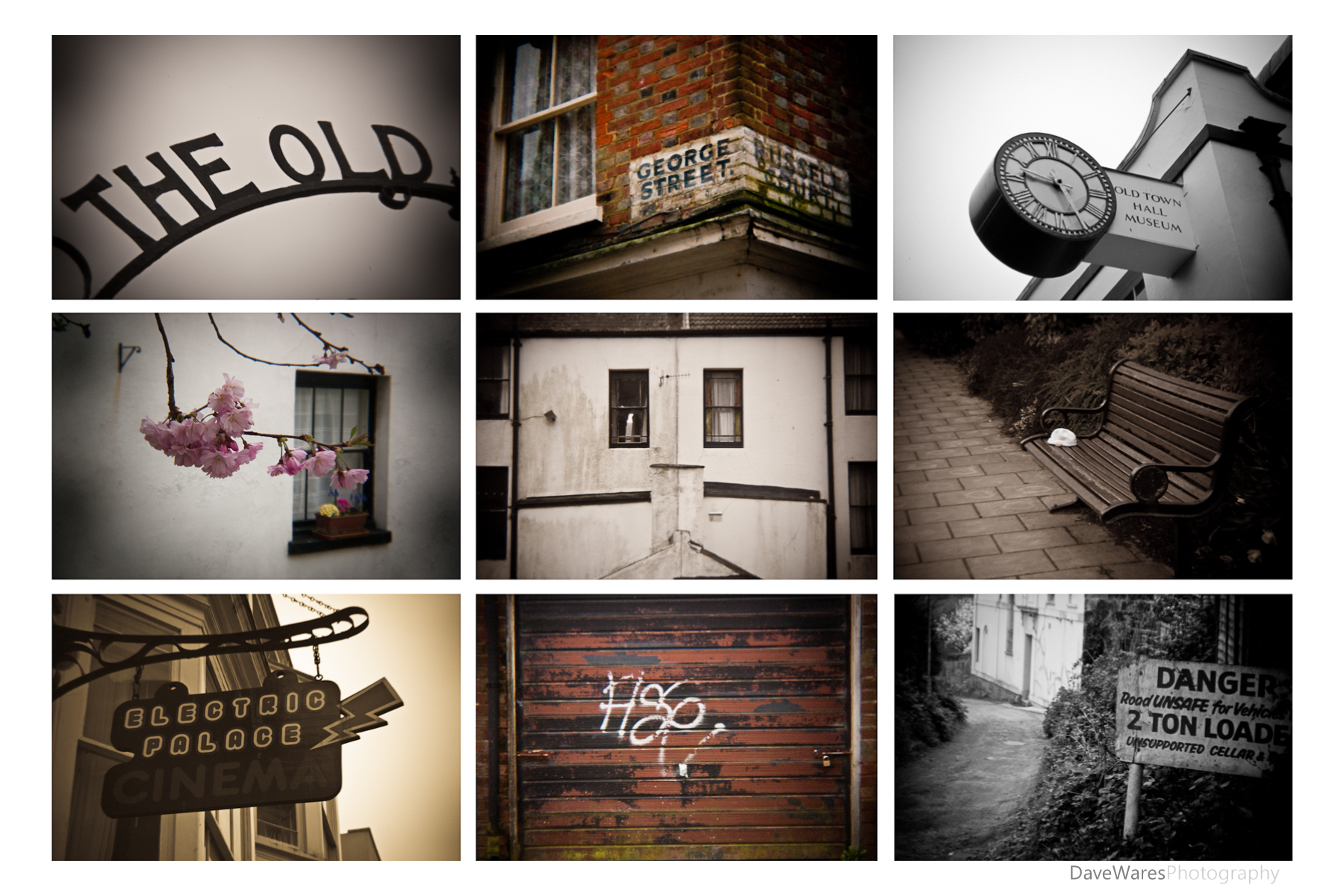
Nine through plastic

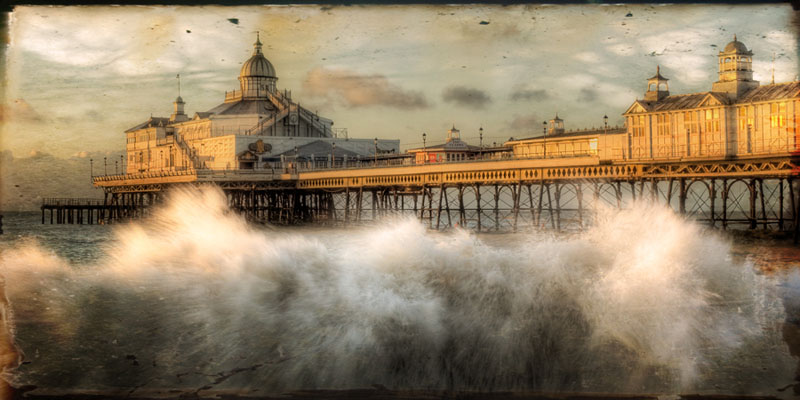
‘Bleak Wednesday’

Recently I’ve been trying to come up with different ways to keep my photographic mind working.

Whether you have a day job or if photography is your primary source of income, it can sometimes be difficult to find the time to focus on your own photography projects and interests, or you may just find yourself in a creative rut. I think we all experience this from time to time and I’m no exception, so I have come up with a couple of ideas to help me focus on producing something on a regular basis. This is my first idea and is one that was inspired by my recent purchase of the Holga HL-N lens. I’m quickly falling in love with this lens, finding the low quality being something of a refreshing change from using my sharp 18-50mm f2.8 Sigma.

So here’s the idea; When out in a particular location I will throw on the ol’ Holga and take a bunch of shots with the idea of putting nine of my favourites together as a panel. I took these shots last Wednesday when the weather was far from being ideal, but I had an feeling that the inclement weather combined with the crappy quality lens may produce something interesting. When I got home I was quite pleased with a number of the shots but felt that they would work better presented together rather than as stand alone images. The whole being greater than the sum of it’s parts, so to speak. And so Nine through plastic was born. 🙂

I’m sure these images won’t appeal to everyone but I’m seeing it as more of an experiment, at least at this stage. Thoughts and comments are always welcome and if nothing else I hope it stirs you enough to come up with projects of your own.

On a side note I produced this image while listening to ‘Soundtrack to a vacant life’ by The Flashbulb. A stunning album with a mood that seems to fit the subject matter of this image perfectly.

Happy shooting.

Blog, Holga, review, Tips

Holga HL-N first outing

So some of you may remember me mentioning in a previous post that Holga had finally brought out both Nikon and Canon mount versions of their lens. I ordered mine from HolgaDirect as soon as I heard the news, and 10 days later it arrived in the post.

Made of cheap plastic, it looks like it has been fashioned from an old detergent bottle top, but then that’s the charm of the Holga line up and similar Toy camera systems. Once attached to the camera body (rather loosely), operating this lens is quite simple. Depending on your camera you will either have to switch to manual ( as I have to) or if you’re lucky Aperture Priority, which will allow you to use the cameras light meter. Usually the light meter will only work if you’re using either a Canon model or pro spec Nikon bodies. On my camera however the light meter will not work, meaning that I have to sort everything out by taking a couple of test shots and checking the histogram. You could also use a hand held light-meter. Doing a little research on various Holga sites I found that the shutter speed on their film cameras is set to about 1/100th sec with a number of folks using iso 400 film, so I thought that this would be a good place to start, and indeed it was. This is based on taking shots during a normal bright day. At this point it is also a good idea to familiarize yourself with the Sunny 16 rule. Focus is achieved by rotating the lens, which has a range of roughly 3ft to infinity with four symbols depicting various distances in-between.

One thing that differs using a Holga lens on an SLR is that you are actually looking through the lens (an obvious point I know), but this isn’t the case on a traditional Holga as it has a viewfinder separate to the lens, like your old point and shoot. The lens is supposedly a fixed F8 meaning that it is very dark when you’re looking through the viewfinder and can be a bit of a challenge, especially in lower light. I just see this as even more a part of the fun of using this lens.

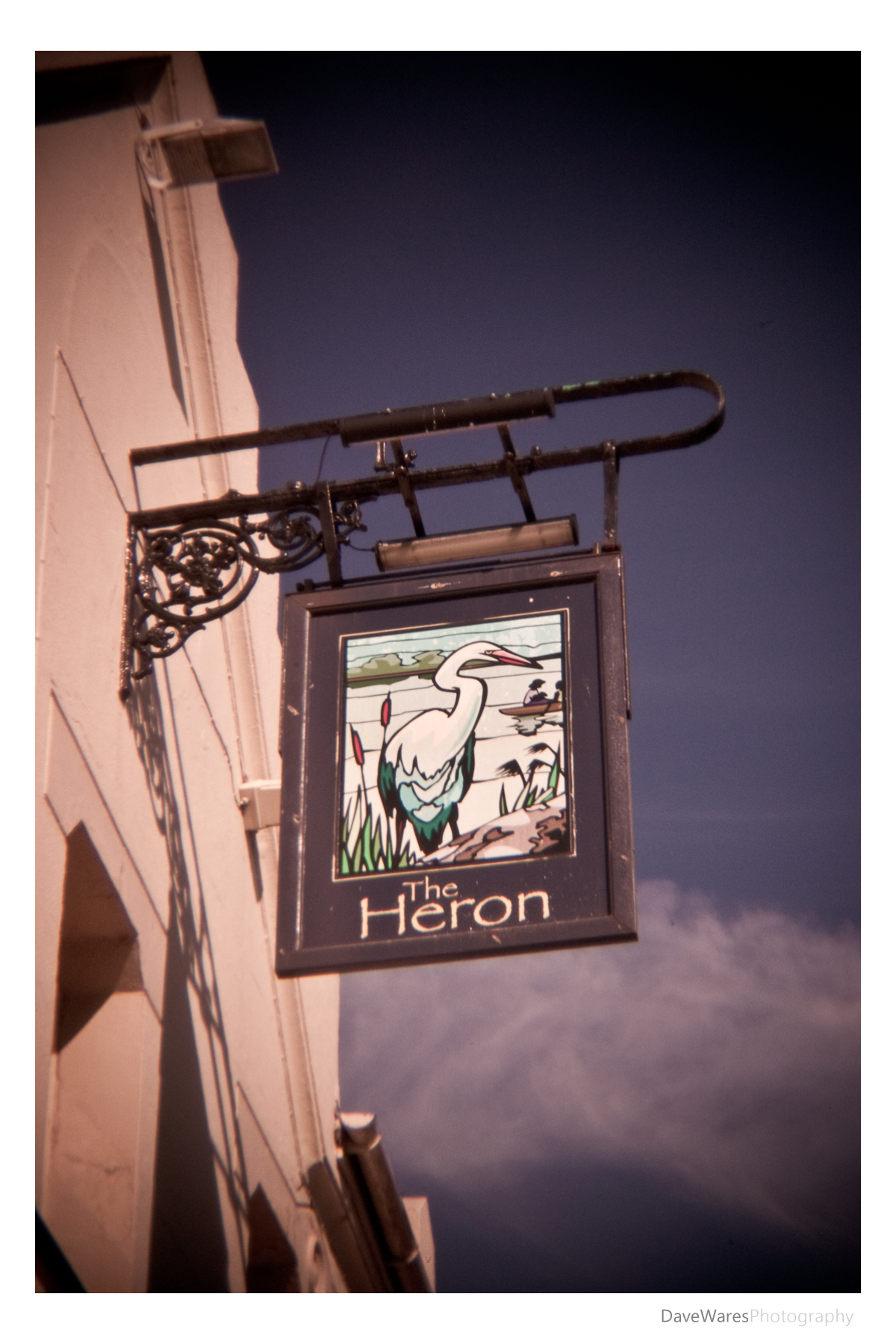
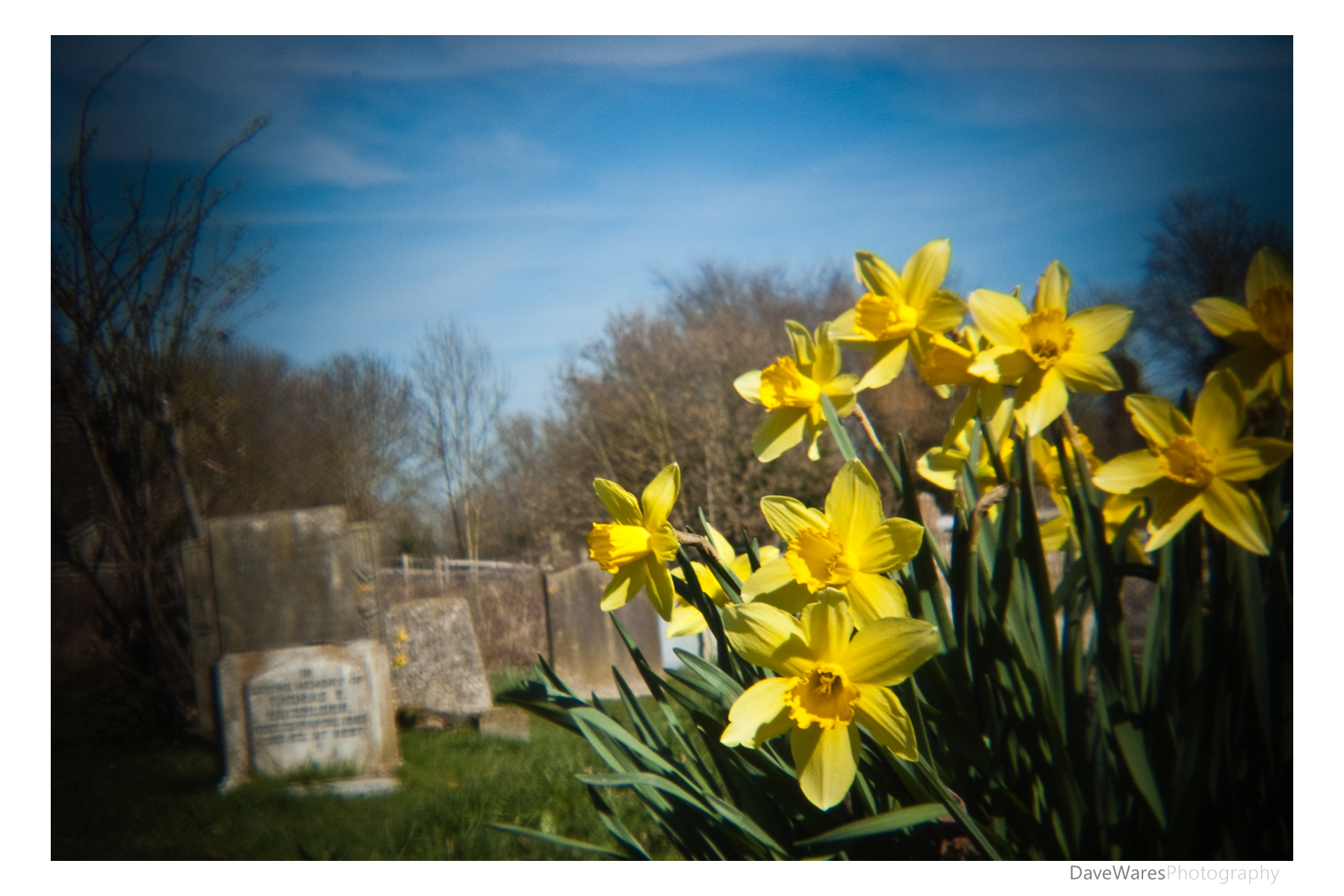
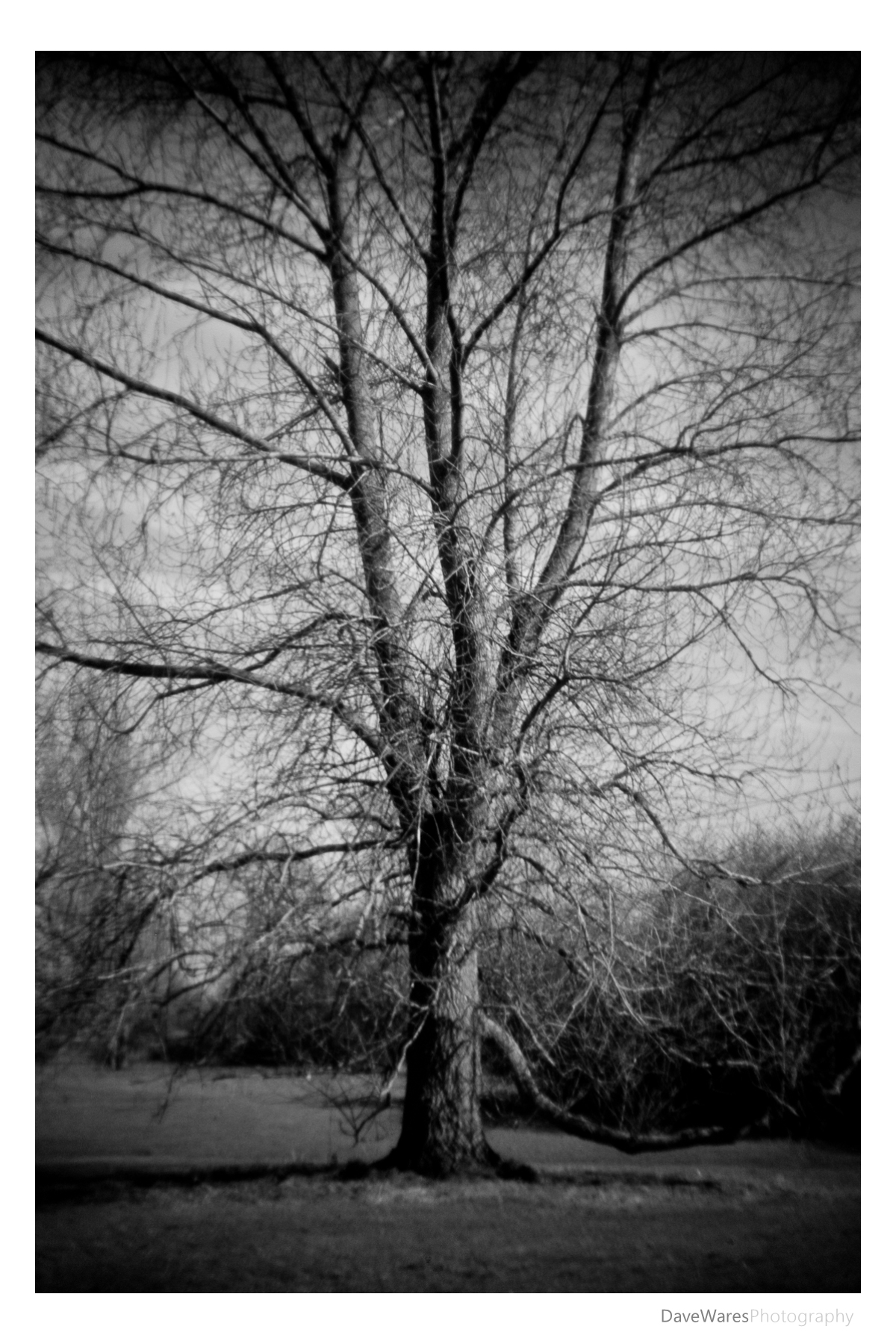
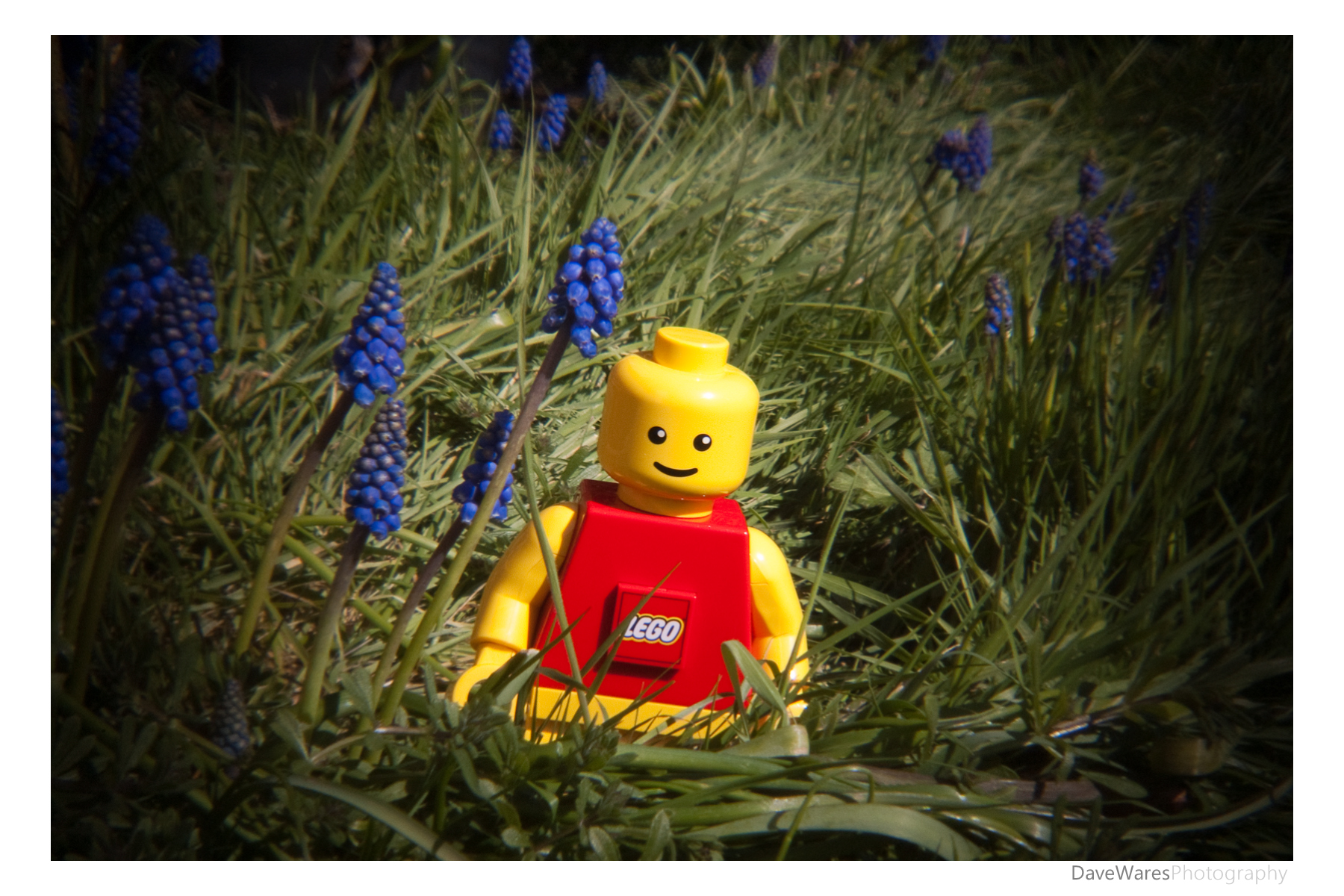
As of yet I have not had a proper chance to get out and about with it, but I did manage to grab a few minutes during my lunch break to take some test shots to give you a flavour of what this lens produces. As you can see, the traditional Holga trademark look is still there, the only thing you wont get is the light leaks produced by the cheap construction of their film cameras.

All in all this lens is a great compromise for those not wanting to go down the film route, and if soft and heavily vignetted photographs is something that appeals to you then there really is no reason not to get one. It costs around $30US with P&P making this about ÂŁ18.50ish in my money. Bargain!

Happy Shooting.

Blog, Tips

Adding a texture

Why not add an extra dimension to your photographs by adding a texture. From giving your photographs the appearance of being printed on different types of papers or materials, to using surfaces such as rust, wood or peeled paint to add a new creative look and feel, adding textures is a heck of a lot of fun and creates endless possibilities for your photographs .

Adding textures is really quite a simple process, all you need is a basic understanding of using layers in Photoshop. The real trick is knowing what images to use and also what kinds of textures will work with them. There is no right or wrong, but you will know whether a picture works or not. It’s just down to trial and error.
The first thing to do is get yourself a few textures together. Get out and take pictures of all manor of things – tree bark, brick, wood flooring, peeling paint – all these and more can make interesting backdrops for your pictures. In addition to making your own texture library there are many other places offering ready made textures, which are great if you want to get stuck in as soon as possible…However, there are a couple of things to remember if using other peoples work. Firstly, I personally feel that there is a greater satisfaction if all the work that goes into creating your picture is your own. Secondly, make sure you look at the licensing terms of any third party images you want to use. Ideally you’ll want these to be Public domain should you wish to sell your work later down the line. I see a lot of folks offering textures under Creative Commons licenses and this is where you may want to really consider whether or not you want to use said images. The vast majority of creative commons works include the ‘non-commercial’ part, meaning that if you wish to sell your images you’ll need to get permission from the creator of the the texture first. To be honest this is an extra hassle that I can do without. If, however, you’re doing it for your own personal pleasure then go ahead and use whatever you think will work best for you.

Once you have your images the next thing is to combine them. Open both images into Photoshop and either use the move tool to drag the texture photo onto your main photo or simply copy the texture image and paste it onto your main image. You should see each image as a separate layers in the layers pallet. Making sure the texture is the top layer, change the blend mode to either multiply or overlay, whichever you like the look of best. After that you can muck about with opacity, rub bits out using the eraser tool, or pretty much do whatever you like.

For the images above and below I used the same texture image, (a shot of a dirty old window) which gives these images a more vintage feel, plus the uneven putty made for a good border too.

For the image above I used the same texture as the first two for the border and then added a second texture (peeling paint) to use over the paperwork.

For this image I used another dirty window covered with cobwebs, only this time I overlayed it twice and in different rotations to create a backdrop for the rose. I then used the eraser tool to rub through where the rose was.

It’s not very often that I do these kinds of images but they are a lot of fun and can make pleasing works of photo-art.

If you have any other suggestions and tips then feel free to leave a comment for others to see.

Blog, Flora, Tips

Using the spot meter

On Most cameras these days there are at least three different options when it comes to choosing the types of light metering system you use. These are typically ‘Matrix/evaluative’, ‘Centre weighted’ and ‘Spot metering’ modes.

Usually your camera is set to the Matrix/evaluative metering out of the box and 8/10 times this usually does a pretty good job. This mode takes a reading from the entire scene and does its best to give an exposure to suit all of the elements within that scene. Centre weighted is the next option. This mode takes a reading from, as its name suggests,  the middle proportion of the frame. Old school photographers tend to like this mode, myself included, as it gives fairly predictable results. I find that it is also very useful when you are shooting nature, when the animal (such a a deer for example) will typically fill the middle part of the picture, hence using the centre weighted light meter will make sure that animal will be correctly exposed for.

Now we come on to the spot metering mode (on some Canon models I believe this can be called ‘Partial’. I’m a Nikon chap so don’t quote me on that!). This mode takes a light reading from only a very small percentage of the scene, typically 2% and on most cameras it will take the reading from where the centre focus point is. I don’t tend to use this mode too much but in certain situations it can be a real bonus. For example, you could be taking a picture of a small bird that you choose to be relatively small in the frame, and by using the spot meter you can take a reading off the bird ensuring that your main subject will be properly exposed for. You may want to use the exposure lock button found on the back of your camera if you want to recompose your image once you take the reading.

For the picture above I decided to use it to achieve a slightly different result. This flower was shot at around midday and in bright sunlight, but I noticed that there was a tree above casting its shadow around the flower, plus there was a wall behind also slightly in shadow. The sun on the flower was very bright but I knew that by choosing the spot meter mode and taking a reading from the yellow centre of the flower it would correctly expose for that keeping the detail, but also it would have the effect of darkening the rest of the flower and the shadows in the background. The scene was far brighter to look at than what you see here.

These are just a couple of examples of how to use the spot meter, I’d be interested to know what your experiences are too.

I hope this has been of some use. Thanks for reading and happy shooting.